 VisualCubing
Learn to solve the Rubik's Cube, visually
Every algorithm moves right in front of you, in 3D, while you follow along with your own cube. Six puzzles, every method — free, no sign-up.
Why VisualCubing exists
Almost everything out there for learning this is lists of algorithms (R U R' U') to swallow by heart. We've flipped it around: here every formula moves in 3D in front of you — you spin it with your finger, pause it, repeat it at your own pace with your cube in hand. The cube on screen is the teacher; the one who really learns is you. And for the day you no longer need to look, you've got every formula gathered and sorted into sheets you download and leave next to the sofa.
You see the algorithm, not imagine it
Every formula plays out in 3D, step by step and at the speed you choose, so you can repeat it right away with your own cube. Rotate it with your finger to see it from any angle, as many times as you need.
A path, not a list
From the white cross to full Fridrich, each level builds on the previous one. We never teach you something you don't have the foundation for yet.
Understanding before memorizing
We explain why each move works and how to recognize the case, which is what really makes it stick a week later.
Ernő Rubik took over a month to solve his own cube. How we got from there to three seconds →
Where to start
Doesn't matter if it's your first time with a cube or you're already under thirty seconds: there's a door for every moment, and another for when you just feel like tinkering for a bit. Pick yours, grab the cube with both hands and step in.
Learn to read the cube
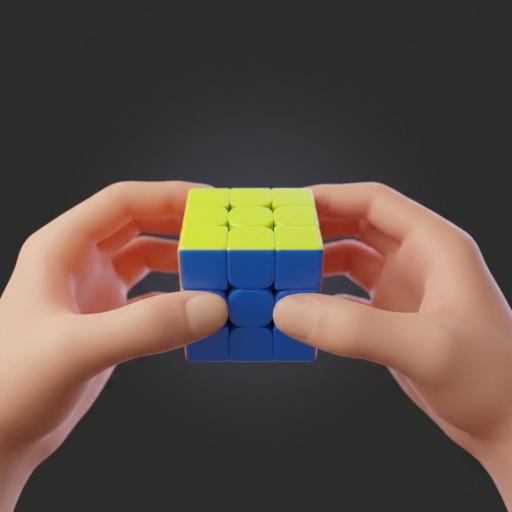
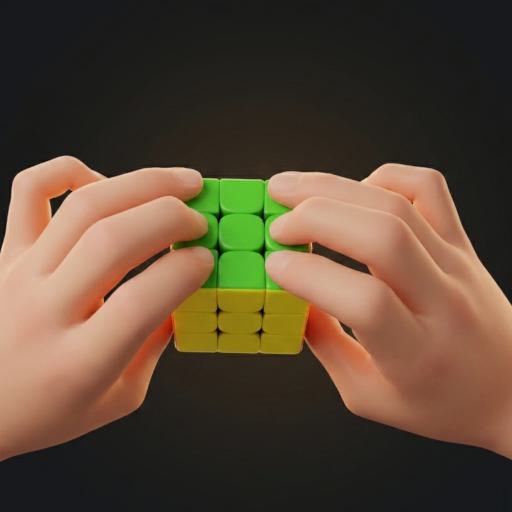
What pieces it has, why the centers never move, what the faces are called and how to read a formula. Ten minutes here and what used to look like hieroglyphics starts to make sense — without this, any method is just noise.
Get to know the cube → You already solve itCut your times
If you already solve it and want to go faster, jump to Intermediate (2-Look) or Advanced (full Fridrich). Each method is a path, not a loose list: every level builds on the last and nothing shows up before its time.
See the methods → To keep them handyThe formulas, on paper
We’ve gathered and sorted every method’s formulas into a sheet ready to print. One cheat sheet next to the sofa, another in your bag, and you practice without depending on the screen.
Download the sheets → Just to tinkerThe lab
Notation isn’t only theory. It’s a 3D cube to fiddle with, a bench where you paste any formula and see what it does, a scramble button and a gallery of patterns — checkerboard, cubes within cubes, a snake that wraps around the cube — that build from a single sequence. Pure tinkering, zero homework.
Open the lab →What's after the 3×3?
If you already master the 3×3, it's time to explore other puzzles
The same VisualCubing engine, piece by piece. The ones already available are explained step by step, with their own interactive cube and a printable sheet, inside Learn:
Already available
Go to Learn →Coming soon
Frequently Asked Questions
Do I need a special cube to follow the site?
No, any standard 3×3 works for every method. A speed cube (magnetic, loose-turning) helps once you reach Intermediate or Advanced, but you don't need one to start.
How long does it take to learn to solve it?
With the Beginner method, most people get there in a few short sessions spread over a few days. It's not a race: each step is designed to be understood before it's memorized.
Do I have to memorize a lot?
Depends on the level. Beginner barely uses a handful of algorithms. Intermediate already has real formulas, but not many. Advanced does demand serious memorization — that's the price of speed.
Does it work well on mobile?
Yes. The 3D cube responds just as well to your finger as to a mouse, and the whole site is designed to be read and practiced from your phone.
Are you going to add other puzzles besides the 3×3?
Yes: besides the 3×3, the 2×2, 4×4, 5×5, Pyraminx and Skewb are already available, all with the same visual engine. Megaminx is next — you'll find it at the bottom of this page.
Is it free?
Yes, no sign-up and no invasive ads. The project sustains itself separately, without that shaping what's taught or how.
Where do the formulas come from? Are they reliable?
Every one is checked against a cube model before it’s published: it’s applied to a virtual cube and verified to do exactly what we say. We don’t copy lists from other sites blindly — they contradict each other more than you’d think.
Do you save my times or my progress?
There are no accounts and no sign-up. The timer keeps your times in your own browser, on your device; they don’t leave it and we don’t see them. Switch phones and you start from zero — that’s the trade-off for not asking you for anything.
And those patterns in Notation?
Formulas that, instead of solving the cube, draw on it: a checkerboard, six dots, a cube inside another, a snake that wraps around it. They’re in the Patterns tab, with a button to undo them. It’s the showcase part — and the easiest way to lose an afternoon.
Let's talk
VisualCubing grows little by little. If you have questions, ideas, or you've found something that doesn't work, write to us here or directly at info@visualcubing.com.